
01
Hero visual
Introduces the product clearly with a strong first-screen composition.
Build a coordinated image system for a product detail page (PDP), Amazon A+ content, or a Shopify product page from one SKU.
Choose one SKU, organize eight page modules, review the image plan, and generate a consistent long-form product story.
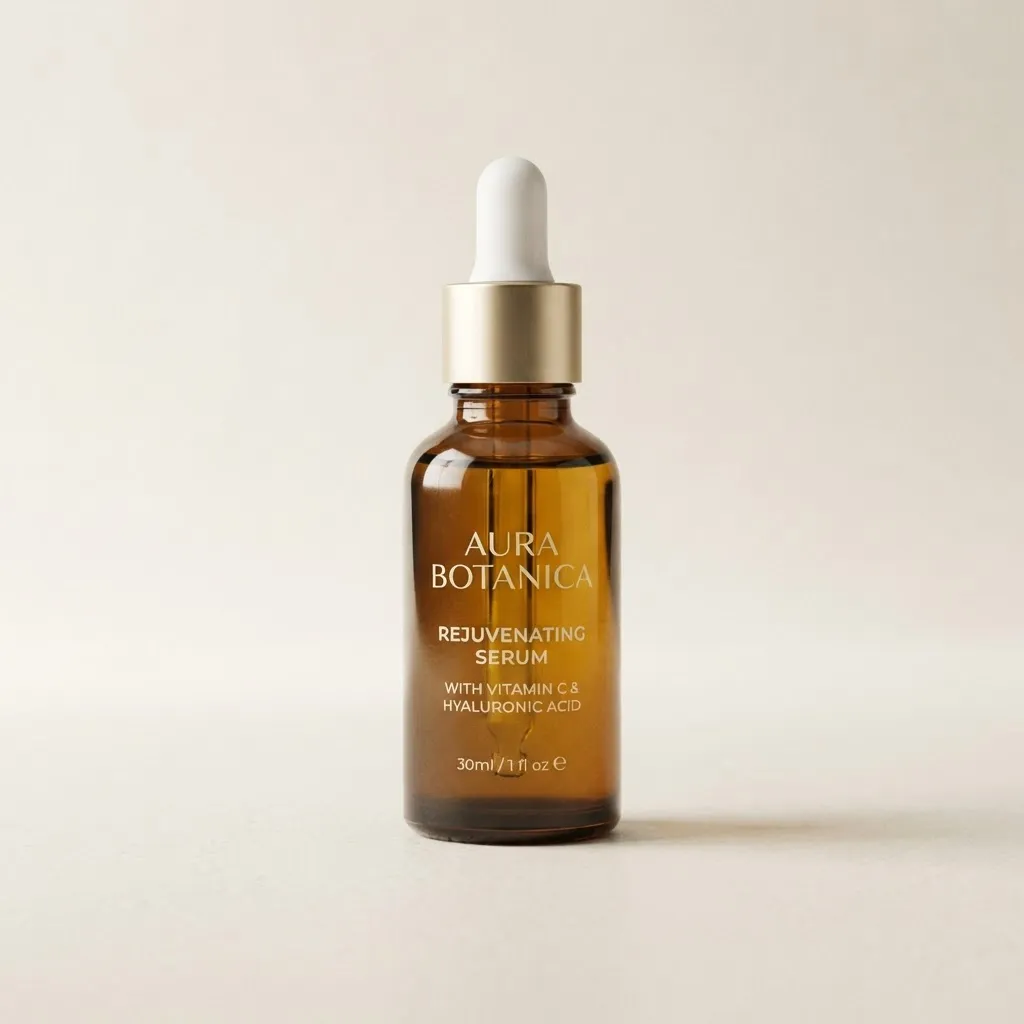





Introduces the product clearly with a strong first-screen composition.
Turns supported selling points into a scannable visual explanation.
Shows texture, controls, finish, seams, or other decision-making details.
Explains layers, components, construction, or material relationships.
Presents a short, accurate sequence for setup, use, or care.
Connects the product to a believable setting and intended use.
Organizes dimensions, included items, variants, and packaging facts.
Answers common purchase questions with evidence-safe information.
A product page image generator should support the sequence of a PDP, not just create attractive standalone pictures. Begin with the questions a shopper needs the page to answer, connect each module to seller-provided facts, and review the complete story before generation. Piclisto prepares image assets; the seller controls page copy, assembly, compliance, and publishing.
Open with a clear product introduction, then order modules around benefits, decision-making details, use context, supported specifications, packaging facts, and common questions. The exact sequence should match the product and storefront rather than forcing every SKU into an identical template.
Product dimensions, materials, included items, instructions, and approved benefits come from the seller. Layout, crop, background, and scene direction describe how those facts may be shown. Keeping these inputs separate makes it easier to remove an unsupported statement without losing the page structure.
Do not introduce health, performance, certification, comparison, warranty, delivery, or production claims that the seller cannot support. Review text inside every image as carefully as the product depiction. Piclisto does not independently validate evidence or approve content for Amazon, Shopify, or another channel.
Inspect the generated modules in order, compare the product against its source photos, and confirm that the final page does not repeat, contradict, or omit important decision information. The seller chooses the approved files, assembles the webpage, checks current platform rules, and controls the live release.
Start with accurate product photos and the facts that must remain consistent.
Select and arrange the modules needed for your PDP or A+ flow.
Edit supported benefits, prohibited claims, ratios, and visual direction.
Inspect the complete sequence, compare revisions, and export approved modules.
Modular visual storytelling designed for marketplace review.
A continuous visual rhythm for branded product-detail sections.
Reusable detail-page modules for common ecommerce page builders.
No. It generates image modules for a PDP, Amazon A+ content, or Shopify product page. You remain responsible for page assembly and publishing.
A single-SKU workflow helps preserve product shape, color, packaging, and visual identity across a long page.
The image plan can organize facts you provide, but unsupported performance, health, certification, or comparison claims should not be generated or published.
Yes. Signed-in users can review and edit the image plan before spending credits on generation.
Sign in to keep product identity, image plans, generated revisions, and downloads in one workspace.